
We recently spoke with Lauren Volpe, CCXP, a veteran customer experience leader who's worked with multiple high-growth companies, to understand what's really happening on the frontlines of AI implementation in customer experience.
Her insights paint a picture that's quite different from what many vendors are selling
There's a scene playing out at every B2B SaaS conference these days: rows of nearly identical booths, all promising revolutionary AI solutions for customer experience. One company at a recent conference even embraced this reality with a banner that simply read "Just Another AI Booth."
It's exhausting. As Lauren put it, "It feels like you're at a Hawker's Fest and everybody's saying, ‘I've got this and I've got that.’"
But amid this noise, what do CX leaders actually care about? What problems are they trying to solve? And why are so many AI vendors missing the mark?.
The Legacy System Problem No One's Talking About
While vendors focus on showcasing advanced AI capabilities, Lauren pointed out something many are overlooking: integration with legacy systems.
"None of them have a clue if these big tools can sit on top of their old legacy systems. Nobody's checking. Nobody knows. They're just assuming," she shared, recounting how she witnessed one company make a "very expensive mistake" based on this assumption.
This highlights a critical disconnect. Vendors are racing to build the shiniest AI solutions while ignoring the foundational questions of implementation. For many enterprise organizations, the challenge isn't finding an AI solution (there are many nowadays) – it's finding one that works with their existing systems.
Overwhelmed and Unclear: The Customer Problem Statement
Another insight that emerged from our conversation was how overwhelmed CX leaders feel by the bombardment of AI offerings.
"There's AI for everything. Every single email you open, it says, we've got AI for this and that and the other thing," Lauren noted. This overwhelming array of options has left many leaders paralyzed, unable to determine which solution might actually solve their problems.
In response, Lauren has been helping companies write clear problem statements to cut through the noise. Before evaluating any AI solution, she encourages teams to articulate exactly what they're trying to accomplish. This seems obvious, but in the rush to adopt AI, many organizations are skipping this crucial step.
The Communication Gap: Bringing Teams Along
Perhaps the most overlooked aspect of AI implementation is change management. Lauren shared a revealing story about introducing AI chatbots at a previous company:
"Our agents went into a fit. They started panicking: 'Oh my god, I'm going to lose my job.'"
The solution wasn't to abandon the technology but to communicate its purpose more clearly. "I'm not trying to eliminate your job," she explained to her team. "I'm trying to elevate you and give you an opportunity to level up so that you're not handling level one questions for the rest of your career."
Once the team understood they were being upskilled rather than replaced, resistance transformed into enthusiasm. Yet many organizations are missing this crucial step – planning their AI implementation without bringing frontline teams into the conversation early enough.
What Do CX Leaders Actually Want?
Beyond the hype, what are customer experience leaders actually looking for? According to Lauren, the priority isn't headcount reduction or ticket deflection, but rather improving the human elements of support:
"Anything that can improve efficiency without losing that human touch is where you're going to be able to get the most bang for your buck or deliver the most ROI for your customers."
She highlighted several specific needs that aren't being adequately addressed:
- Gap detection in customer journeys: Tools that can automatically identify missing steps or friction points in the customer experience, replacing manual journey mapping exercises.
- Knowledge management automation: Solutions that keep documentation current without requiring dedicated headcount. "These companies as they grow and scale, you lose track of your documentation so quickly," Lauren observed, recounting how at a previous company she "had to hire somebody at 90k a year to keep track of these documents" due to regulatory requirements.
- Prevention over deflection: Rather than just redirecting support queries, CX leaders want to prevent them entirely by making products more intuitive from day one.
- Elevation, not elimination: Tools that allow support professionals to focus on higher-value work instead of answering repetitive queries.
The Patience Approach
Interestingly, not everyone feels the urgency to adopt AI immediately. Lauren shared an anecdote about a panelist at a recent conference who expressed zero FOMO about AI adoption:
"I'm perfectly happy to wait another 3 months. Let everybody sort this out for me, and then I'll get on board."
While this wait-and-see approach raised eyebrows, it highlights an important counterpoint to the rush toward adoption. Some leaders are deliberately choosing to let the market mature before committing resources – a strategy that could save them from costly missteps.
Ambient AI Agents: The Future of Customer Experience
The conversation with Lauren revealed there’s still a significant gap between what vendors are selling and what CX leaders need. While the market is flooded with solutions promising to automate away customer support, pragmatic leaders are looking for tools that enhance human capabilities rather than replace them.
"Why don't we just make it easier for the customer to understand the product from day one, and that way, they don't even need to go to the help center?" Lauren asked, pointing out that many companies are "going for the pie in the sky and missing the ladder to get up there."
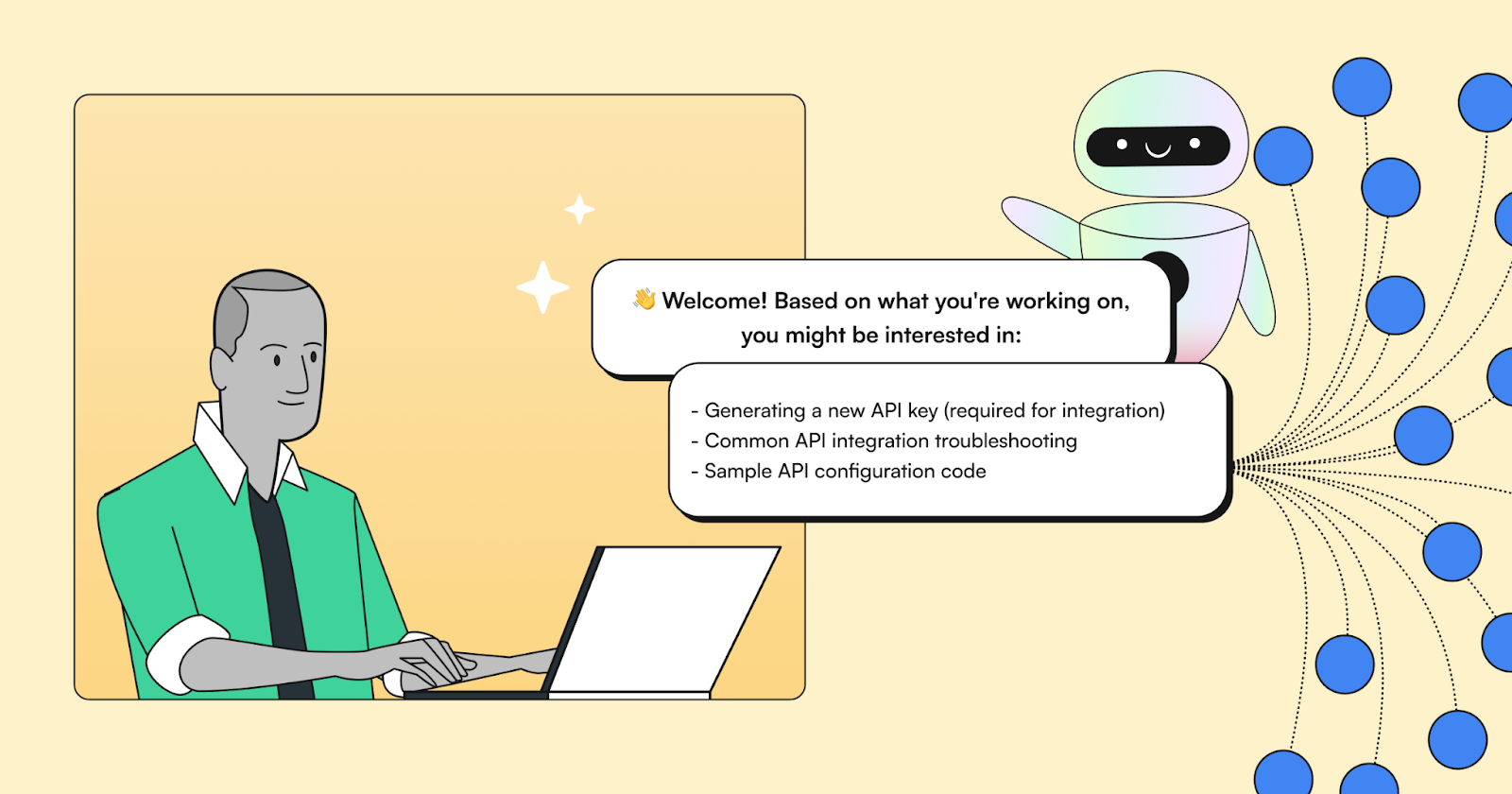
This is where ambient AI agents represent a different approach. Unlike traditional chatbots or help centers that force users to break their workflow to seek assistance, ambient AI works quietly in the background by observing, learning, and adapting to how people naturally use products.
Think of how a modern GPS app (Apple Maps, Google Maps, Waze, etc.) learns and adjusts to each user’s route. The GPS observes behavior, identifies patterns, and provides guidance exactly when needed. This creates an experience that feels natural.
In the customer experience context, ambient intelligence means…
- Documentation that automatically stays current as products evolve
- Context-aware assistance that appears exactly when users need it
- Proactive identification of friction points before they generate support tickets
- Continuous learning from real user behavior to prevent future issues
The most promising approach seems to be about creating a more natural, intuitive product experience that prevents support issues before they happen. It's about enabling support teams to provide more value by handling strategic work while ambient AI handles the routine questions and guides users naturally through their journey.
As AI in customer experience continues to evolve, the winners won't be those who shout the loudest about their AI capabilities. They'll be the vendors who truly understand the human side of customer experience and build solutions that enhance it rather than diminish it.
For companies evaluating AI solutions, Lauren's advice is clear: start with a precise problem statement, verify compatibility with existing systems, and bring your team along from the beginning. The goal is to solve real problems for your customers and your team.
This article was based on a conversation with Lauren Volpe, CCXP, a veteran customer experience leader who has worked with multiple high-growth companies. The insights shared reflect her personal experience and observations from recent industry conferences.

Daniel is a product and customer experience leader with over a decade of experience solving user experience challenges at scale. As CEO of Brainfish, he is redefining how users interact with technology - championing a new era of proactive, AI-driven support that anticipates user needs before they arise